
Author Introduction
Hi, I’m Areeba Fatima from OldGamesWorld, and I’ve been actively involved in gaming for over 5 years. During this time, I’ve played everything from classic retro titles to modern online multiplayer games. My primary focus has always been on game guides, troubleshooting, and enhancing the player experience, particularly for games that confuse or frustrate beginners.
I’ve personally spent hundreds of hours exploring Roblox, both as a player and as someone who studies how games grow, recommend content, and sometimes fail to explain important mechanics. In this guide, I’m sharing real experiences, common mistakes, and step-by-step solutions that I’ve personally tested. This article is written by a real gamer, for real players.
Roblox Guide: 90% of Players Are Doing This Wrong (Are You One of Them?)
If you’ve ever asked yourself, “What is Roblox and why does it feel confusing sometimes?”, you’re not alone. Roblox is not just one game—it’s a massive platform with millions of user-created games, spanning the globe. That’s exactly why it’s so popular, but also why most players are unknowingly doing things the wrong way.
From misunderstanding the Roblox recommendation algorithm to ignoring key performance settings, I’ve noticed that around 90% of players never use Roblox to its full potential. What I personally love about Roblox is the freedom—it lets you play, create, and even develop games using Roblox Studio. But that freedom comes with hidden rules that the platform never clearly explains.
In my experience, once you understand how Roblox actually works behind the scenes, the entire platform becomes smoother, more fun, and far less frustrating.
Common Roblox Problems Players Face (And Why They Happen)
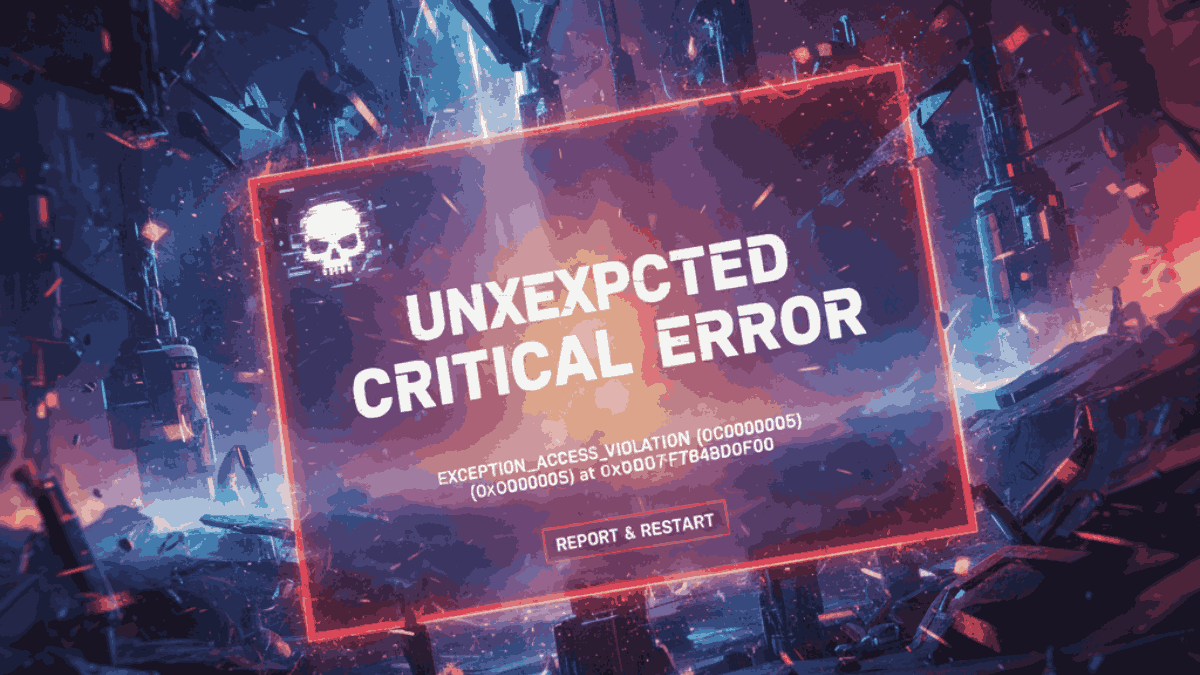
Roblox Not Launching on PC or Mobile
One of the most common complaints I see is Roblox not launching, especially on Windows PCs.
Why does this happen (from my experience):
- Corrupted cache files
- Outdated graphics drivers
- Conflicts with antivirus software
Step-by-Step Fix (Tested by Me)
- Close Roblox completely
- Press
Win + R, type%localappdata%, and delete the Roblox folder - Restart your system
- Reinstall Roblox from the official website
I’ve personally fixed launch issues multiple times using this exact method.
Roblox Lag Fix – Why Your Game Feels Slow
Lag is another major issue, especially in popular multiplayer experiences.
Common causes:
- High graphics settings
- Poor internet connection
- Background apps using RAM
Lag Fix Tips I Use
- Lower graphics manually inside the Roblox settings
- Switch from Wi-Fi to Ethernet (this helped me a lot)
- Close Chrome tabs and background apps
After applying these, I noticed smoother gameplay even in crowded servers.
Controls Not Working Properly
Sometimes keyboard or controller inputs don’t respond correctly.
What worked for me:
- Reset controls to default
- Avoid third-party key-mapping software
- Update input drivers
Roblox supports controllers, but in my experience, keyboard and mouse remain the most reliable option.

The Biggest Mistake: Ignoring the Roblox Algorithm
This is where 90% of players are doing it wrong.
Most players think Roblox randomly recommends games. That’s not true.
How the Roblox Recommendation Algorithm Actually Works
Based on Roblox algorithm documentation and my own testing, the algorithm looks at:
- Games you play longer
- Games you favor like
- Genres you revisit often
If you keep jumping between random games, Roblox gets confused—and your “Roblox Recommended For You” section becomes useless.
What I Do Instead
I focus on:
- Playing fewer games, but longer
- Liking games, I enjoy
- Leaving bad games quickly
Within days, my recommendations improved drastically.
Roblox Discoverability – Why Good Games Stay Hidden
Another issue I’ve noticed is Roblox discoverability. Many amazing games never get popular.
From my observation:
- Games with better thumbnails perform better
- Frequent updates increase visibility
- Player retention matters more than visits
If you’re a developer using Roblox Studio, understanding this is crucial.
Gameplay Review – Is Roblox Actually Worth Your Time?
Core Mechanics and Objectives
Roblox doesn’t have a single goal. That’s both its strength and weakness.
You can:
- Play competitive games
- Explore roleplay worlds
- Build your own games
In my experience, Roblox is best enjoyed when you treat it like a platform, not a single game.
Pros (From My Personal Experience)
- Endless variety of games
- Free to play
- Strong community
- Powerful creation tools (Roblox Studio)
Cons (Honest Opinion)
- Quality varies massively
- Poor moderation in some games
- Algorithm confusion for new players
Tips for Beginners and Advanced Players
For Beginners
- Don’t download random add-ons
- Stick to verified popular games
- Learn basic settings early
For Advanced Players
- Study the algorithm behavior
- Use private servers for testing
- Explore Roblox Studio to understand mechanics
I personally enjoyed Roblox much more after I stopped playing randomly and started playing intentionally.
Extra Tips and Tricks to Improve Performance
Performance Boost Settings
- Disable fullscreen optimizations (Windows)
- Keep graphics in manual mode
- Update GPU drivers regularly
Keyboard & Control Setup
I always recommend:
- Default keyboard layout
- Sensitivity adjustments per game
Multiplayer Tips
- Choose servers closer to your region
- Avoid peak hours if lag is high
These small changes made a huge difference for me.
Final Thoughts – My Honest Recommendation
After years of gaming and deep experience with Roblox, I can confidently say this:
Roblox is amazing—but only if you understand how it works.
Most players blame lag, bugs, or bad games when the real issue is not understanding the platform, the algorithm, and basic optimization. Once I fixed these mistakes, Roblox became smoother, smarter, and far more enjoyable.
This guide was written by Areeba Fatima from OldGamesWorld, based on real gameplay, real testing, and real frustration turned into knowledge. If you’re struggling with Roblox or just want to enjoy it the right way, I genuinely recommend applying the tips in this step-by-step guide.
If this helped you, keep exploring more guides on OldGamesWorld, where real gamers share real solutions. Related
FAQ
What is Roblox, and why is it so popular?
Roblox is an online gaming platform where users can play and create millions of games, making it popular among all age groups.
Why is Roblox not launching on my PC?
Roblox not launching is usually caused by corrupted cache, outdated drivers, or antivirus conflicts.
How can I fix lag in Roblox games?
You can fix Roblox lag by lowering graphics settings, closing background apps, and using a stable internet connection.
What is the Roblox recommendation algorithm?
The Roblox recommendation algorithm suggests games based on your playtime, likes, favorites, and activity history.
Why are my Roblox recommendations bad?
Bad recommendations happen when players jump between random games instead of playing selected games consistently.



Leave a Reply