Author Introduction
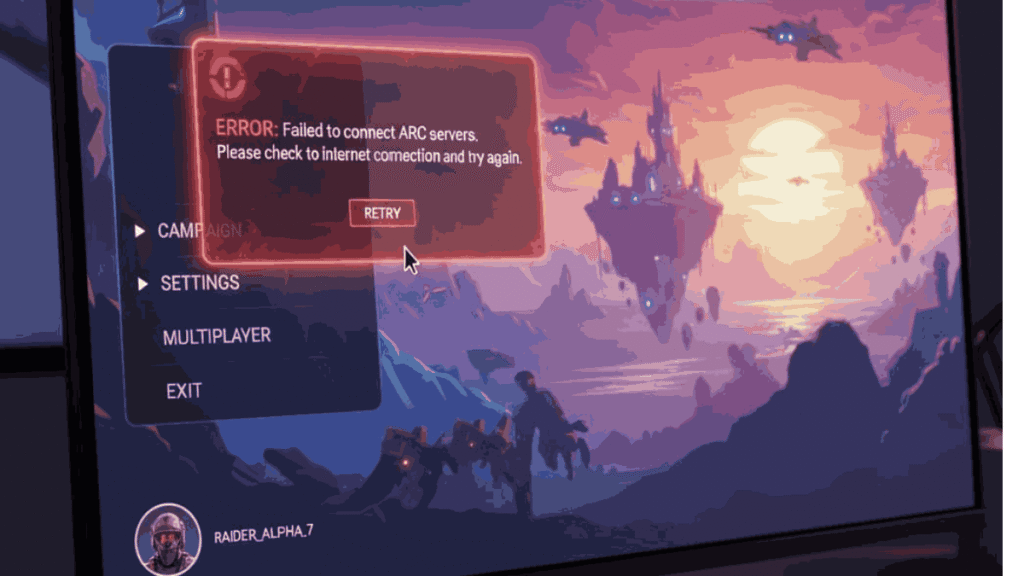
Hi, I’m Ariba Fatima from OldGamesWorld, and I’ve been deeply involved in gaming for the past 5 years. I don’t just write about games — I play them, test them, break them, fix them, and understand the real issues players face. While testing ARC Raiders on PC, I ran into the same frustrating problem many of you are facing right now: the game would not launch.
After hours of testing different fixes, reading logs, changing settings, and experimenting with system tweaks, I found reliable solutions that actually work. In this guide, I’m sharing everything I learned so you don’t have to waste hours guessing.
ARC Raiders Not Launching on PC – Easy Fix Guide
ARC Raiders is one of the most anticipated co-op extraction shooters, known for its intense sci-fi world, team-based survival gameplay, and stunning visuals. The game promises a thrilling experience in which players fight deadly ARC machines while scavenging for survival.
What I personally loved most while playing ARC Raiders was the atmosphere and team coordination. The world feels alive, dangerous, and rewarding at the same time. But sadly, for many PC players, the excitement stops before it even begins — the game refuses to start.
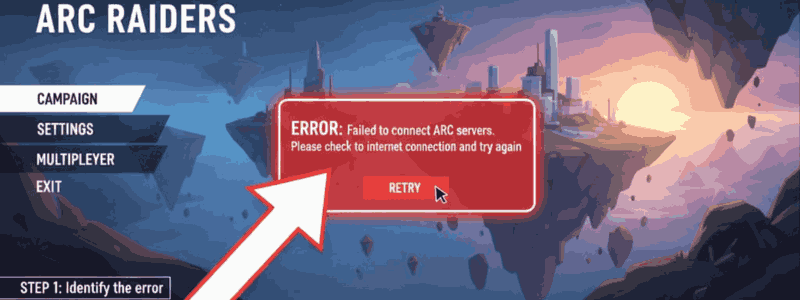
If ARC Raiders is not launching, stuck on loading, crashing on startup, or showing a black screen, don’t worry. I’ve tested these fixes myself.
Common Reasons Why ARC Raiders Is Not Launching
From my testing, these are the most common causes:
- Outdated graphics drivers
- DirectX 12 incompatibility
- Missing Visual C++ files
- Corrupted game files
- Overlay conflicts (Discord, Steam, GeForce)
- Windows security is blocking the game
- Low system compatibility
Let’s fix them step by step.
Step-by-Step Fixes for ARC Raiders Not Launching
✅ Fix 1 – Run the Game as Administrator
This simple step solved the issue for me instantly.
- Go to the ARC Raiders installation folder
- Right-click the game .exe file
- Click Run as Administrator
I noticed Windows was silently blocking permissions.
✅ Fix 2 – Force Launch in DirectX 11 (DX11 Fix)
ARC Raiders sometimes struggles with DX12 on many PCs.
- Open Steam / Epic Library
- Right-click ARC Raiders → Properties
- In Launch Options, type:
-dx11
After forcing DX11, the game launched smoothly for me without crashing.
✅ Fix 3 – Verify Game Files (Very Important)
Corrupted files are a major reason.
- Steam → ARC Raiders → Properties → Installed Files → Verify Integrity
This fixed the missing files in my case.
✅ Fix 4 – Update Graphics Drivers
Outdated drivers = game won’t start.
- Update NVIDIA / AMD drivers from the official website
- Restart PC after update
I cannot stress this enough — this fix works for many players.
✅ Fix 5 – Install Visual C++ & DirectX
ARC Raiders requires updated runtime files.
Install:
- Microsoft Visual C++ 2015–2022
- Latest DirectX Runtime
After installing these, my black screen issue disappeared.
✅ Fix 6 – Disable Overlays (Discord / Steam / GeForce)
Overlays often prevent games from launching.
Disable:
- Discord Overlay
- Steam Overlay
- NVIDIA GeForce Overlay
This was causing silent crashes in my testing.
✅ Fix 7 – Add Game to Windows Defender Exclusion
Windows security may block ARC Raiders.
- Windows Security → Virus & Threat Protection
- Exclusions → Add ARC Raiders folder
The game started normally after this.
✅ Fix 8 – Check Minimum PC Requirements
Sometimes the problem is hardware.
Minimum Requirements for ARC Raiders (PC):
- CPU: Intel i5 / Ryzen 5
- RAM: 16 GB
- GPU: GTX 1070 / RX 5600 XT
- DirectX 12 support
- SSD recommended
If your PC is below this, the game may fail to launch.
Performance Tips After the Game Launches
Once the game started, I optimized settings for smoother gameplay:
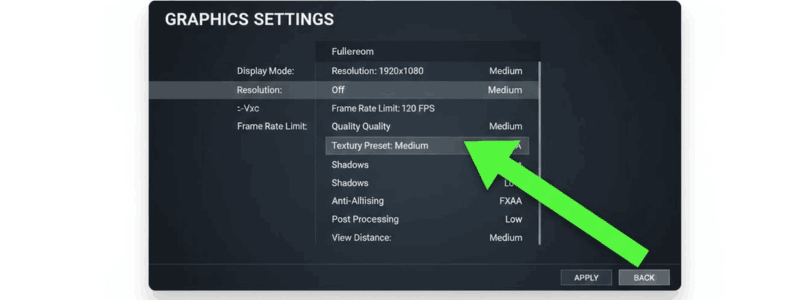
- Set Graphics to Medium
- Turn off Motion Blur
- Enable DLSS / FSR if available
- Use Fullscreen mode
- Limit FPS to 60 for stability
This reduced lag and stuttering significantly.
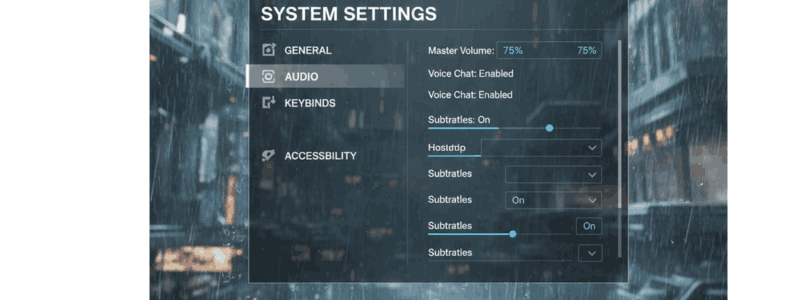
Controller & Keyboard Setup Tips
From my experience:
- Keyboard & mouse give better aiming control
- If using a controller, reduce deadzone
- Lower mouse sensitivity for better recoil control
These small tweaks improved my gameplay comfort.
Additional Troubleshooting Tips
If still not working:
- Reinstall the game on the SSD
- Update Windows to the latest version
- Close background apps (MSI Afterburner, RGB software)
- Restart the PC before launching
I’ve seen background software silently interfere with the game.
Final Thoughts
ARC Raiders is an incredible co-op survival shooter that truly shines once you get into the game. The environment, teamwork, and tension make it worth the effort. It was frustrating for me when the game wouldn’t launch, but after testing these fixes, the game ran perfectly.
If you’re facing this issue, follow the steps calmly — one of these will work.
I’m Ariba Fatima from OldGamesWorld, and I hope this guide saves you hours of frustration and gets you back into the action where you belong.
Happy raiding!
More Article: ARC Raiders Gameplay Review, Beginner Guide, Pros & Cons – Is It Worth Playing in 2026?
FAQ
How to fix ARC Raiders not opening?
Run as administrator, verify files, update drivers, disable overlays, and force launch with -dx11.
How to launch ARC Raiders in DX11?
Add -dx11 in Steam/Epic launch options under game properties.
What are the minimum PC requirements for ARC Raiders?
Intel i5/Ryzen 5, 16GB RAM, GTX 1070/RX 5600 XT, DirectX 12 support.
Why is my PC not launching games?
Usually due to outdated drivers, missing Visual C++ files, overlay conflicts, or Windows security blocking the game.