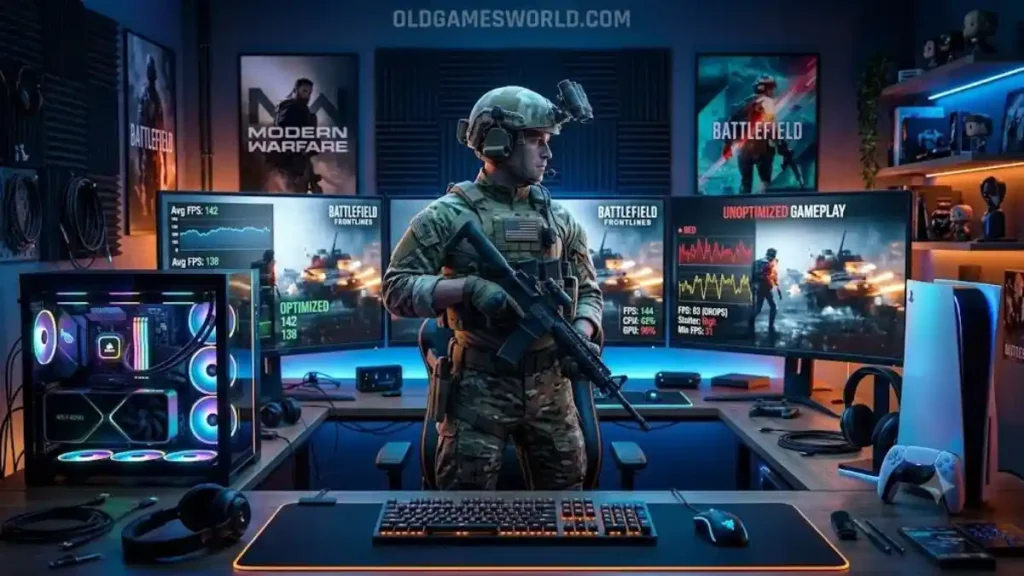
Call of Duty Performance Issues on PC & Console
If you’re experiencing Call of Duty Performance Issues on PC & Console, the cause is rarely just one thing. Poor frame rates, stuttering, long loading times, crashes, packet burst errors, or input lag can result from outdated drivers, graphics settings, background applications, corrupted game files, network instability, or temporary game-specific bugs introduced through updates.
Fortunately, most performance problems can be reduced—or even eliminated—by updating your system, optimizing game settings, and following a few platform-specific troubleshooting steps.
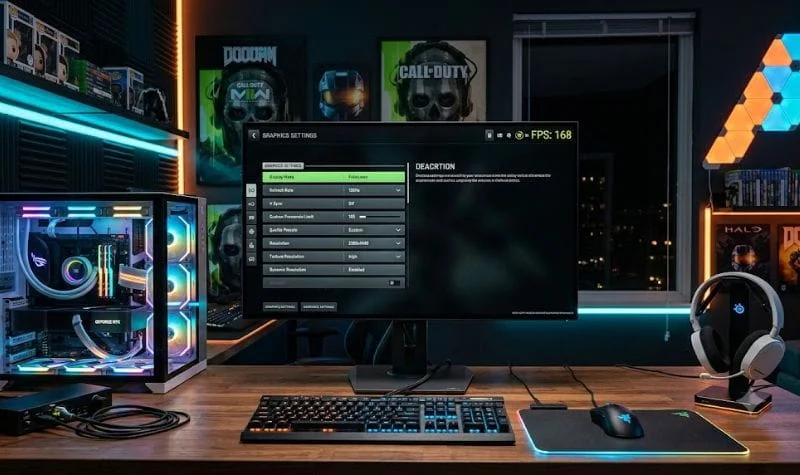
Why Do Call of Duty Games Have Performance Problems?
Few multiplayer franchises place as much demand on modern hardware as Call of Duty games. Every release pushes larger maps, more detailed environments, advanced lighting, higher-resolution textures, and increasingly complex online systems.
Whether you’re playing the new Call of Duty, revisiting Call of Duty Black Ops, enjoying Call of Duty Modern Warfare 3, returning to Call of Duty WW2, or dropping into Call of Duty: Warzone, the experience depends on both your hardware and the game’s current optimization.
Performance problems don’t always indicate a weak PC or aging console. In many cases, issues appear after major updates, seasonal content drops, or driver releases that temporarily introduce new bugs before developers release fixes.
Understanding the difference between a hardware limitation and a software issue is the first step toward solving the problem.
Common Performance Problems Players Experience
Although every title behaves a little differently, most players report a familiar set of issues.
Low FPS
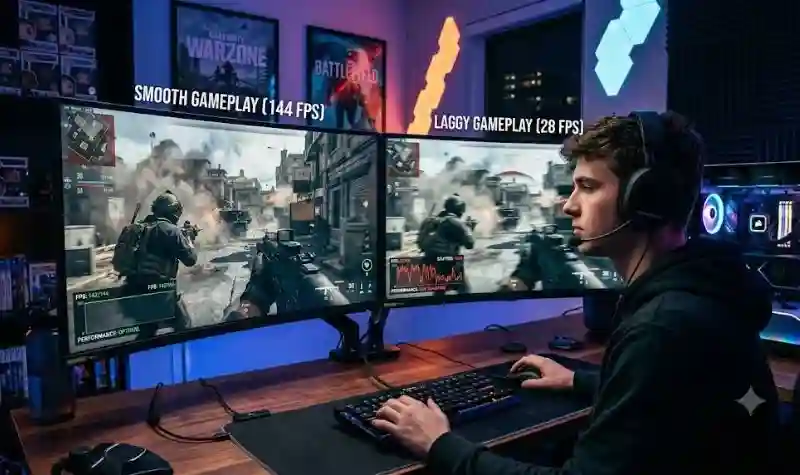
Low frame rates make aiming less responsive and gameplay noticeably less smooth. This often occurs when graphics settings exceed the capabilities of your GPU or CPU.
Stuttering
Frame pacing issues create brief pauses even when average FPS appears high. Background applications, shader compilation, or storage bottlenecks are common causes.
Frequent Crashes
Unexpected crashes may happen because of corrupted game files, unstable drivers, insufficient memory, or conflicts with overlays and third-party software.
Long Loading Times
Installing the game on a slower hard drive instead of an SSD can dramatically increase loading times, especially in larger titles like Call of Duty: Warzone.
Packet Burst and Network Lag
Not every performance issue comes from graphics hardware. High latency, packet loss, or unstable internet connections can make the game feel sluggish even when frame rates remain high.
What Causes Performance Issues?
Performance problems usually result from several factors working together rather than one single cause.
| Cause | Common Effect |
|---|---|
| Outdated graphics drivers | Lower FPS and crashes |
| High graphics settings | GPU bottleneck |
| CPU limitations | Frame drops in busy scenes |
| Low RAM | Stuttering |
| Corrupted game files | Random crashes |
| Slow storage | Long loading times |
| Background software | Reduced performance |
| Network instability | Packet burst and lag |
PC Performance Optimization Guide
PC players have the greatest flexibility, but they also face the widest variety of hardware configurations.
If you’re playing on Windows, start with these optimizations.
1. Update Graphics Drivers
Graphics driver updates often include game-specific optimizations.
Manufacturers frequently release drivers alongside major Call of Duty updates to improve stability and performance.
2. Verify Game Files
Corrupted or missing files can lead to crashes and inconsistent performance.
Both Steam and Battle.net include built-in file verification tools that repair damaged installations without requiring a complete reinstall.
3. Reduce VRAM Usage
Many players unknowingly exceed their graphics card’s available video memory.
When VRAM usage reaches its limit, symptoms may include:
- Texture pop-in
- Severe stuttering
- FPS drops
- Delayed loading
- Random freezes
Keeping texture quality one level below maximum often improves consistency without significantly affecting visual quality.
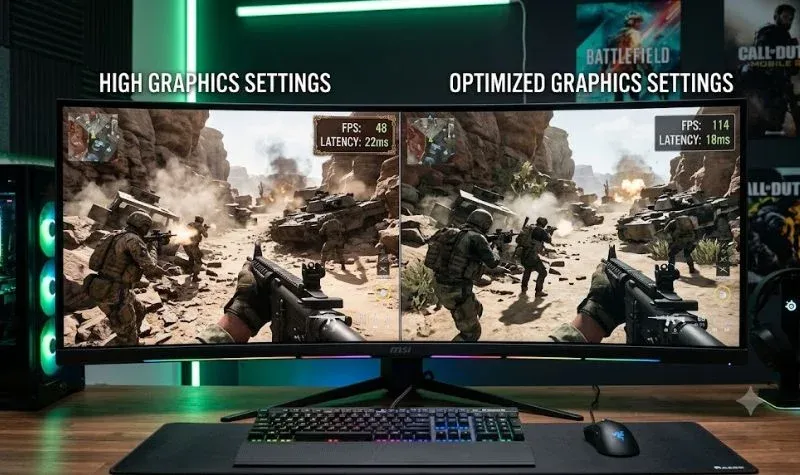
4. Adjust Graphics Settings
Not every setting impacts image quality equally.
The biggest performance improvements often come from lowering:
- Shadow Quality
- Volumetric Lighting
- Screen Space Reflections
- Ambient Occlusion
- Particle Quality
- Motion Blur (optional)
- Depth of Field
Meanwhile, texture quality can usually remain relatively high if sufficient VRAM is available.
5. Close Background Applications
Applications such as browsers, RGB software, streaming tools, recording programs, and overlays consume valuable system resources.
Before launching Call of Duty, close unnecessary programs to free CPU time and memory.
6. Enable Hardware Features Carefully
Modern technologies such as:
- NVIDIA DLSS
- AMD FSR
- Intel XeSS
can significantly improve performance when configured correctly. However, using aggressive upscaling settings may reduce image clarity, so experiment to find the right balance between visual quality and frame rate.
Console Performance Tips
Unlike PCs, consoles provide a standardized hardware platform, making troubleshooting somewhat simpler.
Whether you’re gaming on PlayStation or Xbox, several steps can help improve stability.
- Install the latest system software.
- Keep the game fully updated.
- Restart the console after major updates.
- Ensure adequate free storage space.
- Avoid downloading games while playing online.
- Use Performance Mode if your console offers both Quality and Performance graphics settings.
These adjustments won’t solve every issue, but they often reduce frame pacing problems and improve overall responsiveness.
Advanced Troubleshooting for Persistent Performance Issues
If you’ve already lowered your graphics settings and updated your drivers but still experience performance problems, it’s time to look deeper. Some issues aren’t caused by hardware alone—they can result from software conflicts, game updates, or network conditions.
Check Your System Requirements
Before troubleshooting further, make sure your PC meets (or preferably exceeds) the recommended requirements for the specific Call of Duty title you’re playing. While older entries like Call of Duty WW2 are less demanding, the new Call of Duty releases and Call of Duty: Warzone require considerably more powerful hardware.
If your CPU, GPU, or available RAM is below the recommended level, lowering settings can help, but it won’t always eliminate stuttering or frame drops.
Optimize Your Storage
Game installation location can have a noticeable impact on loading times and texture streaming.
For the best experience:
- Install the game on an SSD whenever possible.
- Keep at least 15–20% of your drive free.
- Avoid installing the game on an external USB drive unless it’s officially supported by your platform.
- If you’re using an HDD, expect longer loading times compared to SSD users.
Monitor CPU and GPU Temperatures
Performance may suddenly drop if your system overheats.
Common signs include:
- FPS gradually decreasing during long gaming sessions.
- Loud cooling fans.
- Sudden stuttering after 20–30 minutes of gameplay.
- Unexpected crashes or shutdowns.
Monitoring temperatures with trusted hardware utilities can help identify thermal throttling. Cleaning dust from your PC, improving airflow, or adjusting fan curves may improve long-session performance.
Disable Unnecessary Overlays
Although overlays are convenient, they sometimes interfere with game performance.
Consider temporarily disabling:
- Discord Overlay
- Steam Overlay
- Xbox Game Bar
- NVIDIA Overlay
- AMD Overlay
- Third-party FPS counters
- RGB control software with in-game overlays
If performance improves after disabling an overlay, you’ve likely identified a software conflict.
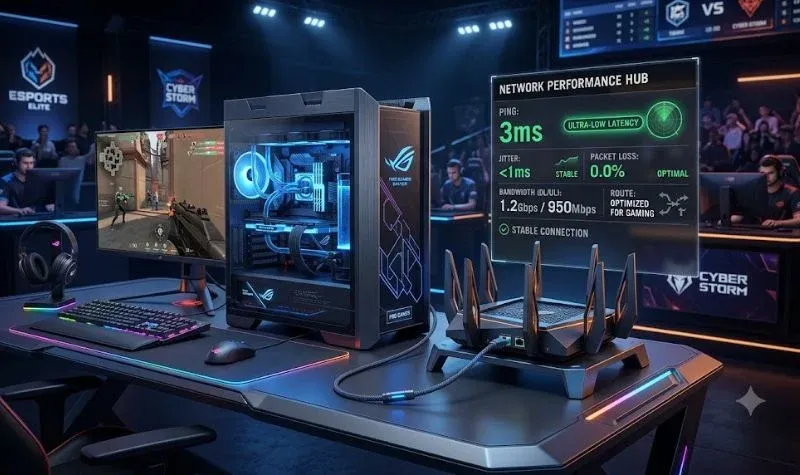
Improve Network Performance
Not every slowdown is related to graphics.
Competitive matches can feel unresponsive because of network issues such as:
- High latency
- Packet loss
- Packet burst
- Jitter
- Wi-Fi interference
For a smoother online experience:
- Use a wired Ethernet connection whenever possible.
- Restart your modem and router occasionally.
- Pause large downloads while gaming.
- Choose the nearest available game server if the option exists.
- Limit other bandwidth-heavy activities on your network.
Game-Specific Performance Notes
Although many troubleshooting steps apply across the franchise, each title has its own characteristics.
Call of Duty: Warzone
Call of Duty: Warzone is one of the most demanding games in the series because of its massive maps, large player counts, and frequent seasonal updates.
Players commonly report:
- Shader compilation delays
- Packet burst warnings
- VRAM usage spikes
- Stuttering after major updates
- Performance changes following new seasons
Allow shader optimization to finish before joining matches, and avoid interrupting the process after installing updates.
Call of Duty Modern Warfare 3
Call of Duty Modern Warfare 3 generally performs well on modern hardware, but players sometimes experience:
- FPS fluctuations after updates
- Menu lag
- Texture streaming delays
- Driver compatibility issues
Keeping both the game and graphics drivers updated often resolves many of these problems.
Call of Duty Black Ops Series
The Call of Duty Black Ops games vary widely because they span multiple console generations.
Older titles may experience:
- Compatibility issues on newer operating systems
- Multiplayer server limitations
- Community-made fixes for legacy releases
Single-player campaigns usually remain stable on supported systems, while multiplayer experiences depend on current server availability and platform support.
Call of Duty Vanguard
Call of Duty Vanguard shares many engine technologies with other recent entries, meaning optimization tips such as reducing shadow quality, updating drivers, and verifying game files are equally effective.
Call of Duty WW2
Compared to newer releases, Call of Duty WW2 generally has lower hardware requirements.
Players using mid-range PCs often achieve smooth performance with high settings, although older graphics drivers or background software can still affect stability.
Does Competitive Play Require Different Settings?
Absolutely.
Professional players and many competitors in the Call of Duty League often prioritize responsiveness over visual quality.
Common competitive settings include:
- Lower shadow quality
- Reduced post-processing
- Stable frame rate instead of maximum graphics
- Lower input latency
- Consistent frame pacing
- Performance-focused display modes
While these settings may reduce visual effects, they can improve reaction time and overall gameplay consistency.
Editor’s Insight
One of the biggest misconceptions is that every performance problem means your PC or console is outdated.
In reality, performance is influenced by a combination of hardware, drivers, game optimization, and network conditions. Seasonal updates can temporarily introduce new issues, while later patches often improve stability. Before investing in expensive upgrades, it’s worth working through software optimization and official troubleshooting steps. Many players see meaningful improvements without replacing their hardware.
Best Practices for Long-Term Performance
To keep your game running smoothly over time:
- Update graphics drivers when stable game-ready versions are released.
- Install official game updates promptly.
- Restart your PC or console after major patches.
- Keep storage drives from becoming completely full.
- Close unnecessary background applications before gaming.
- Monitor temperatures during long sessions.
- Review graphics settings after major updates, as new options may be added.
Following these habits can help maintain consistent performance across current and future Call of Duty games.
Final Verdict
Performance issues can be frustrating, but they’re often manageable with the right approach. Whether you’re exploring the latest seasonal content in Call of Duty: Warzone, competing in Call of Duty League matches, revisiting Call of Duty Modern Warfare 3, enjoying Call of Duty Vanguard, replaying Call of Duty WW2, or returning to classic Call of Duty Black Ops titles, understanding the source of the problem is the key to finding an effective solution.
Rather than relying on a single fix, combine system updates, optimized graphics settings, stable network practices, and regular maintenance. In many cases, these steps provide a smoother, more consistent experience without requiring new hardware.
Frequently Asked Questions (FAQ)
Why is Call of Duty lagging even though my PC meets the recommended requirements?
Meeting the recommended requirements doesn’t always guarantee smooth performance. Background applications, outdated graphics drivers, shader compilation, Windows updates, overheating, or temporary game optimization issues after a major patch can all reduce performance. Checking your drivers, verifying game files, and optimizing graphics settings often helps.
How can I increase FPS in Call of Duty?
The biggest FPS improvements usually come from:
Lowering Shadow Quality
Reducing Volumetric Lighting
Lowering Ambient Occlusion
Using DLSS, AMD FSR, or Intel XeSS (if supported)
Closing unnecessary background applications
Updating GPU drivers
Installing the game on an SSD
Why does Call of Duty: Warzone stutter after updates?
Large seasonal updates often rebuild shaders, introduce new assets, or temporarily affect optimization. Allow shader optimization to complete before playing, update your graphics driver if recommended, and check Activision’s support pages for any known issues.
Is Wi-Fi responsible for packet burst errors?
It can be. Packet burst errors are commonly caused by unstable internet connections, network congestion, or temporary server issues. A wired Ethernet connection generally provides a more stable online experience than Wi-Fi.
Should I reinstall the game to fix performance problems?
Reinstalling should be considered a last resort. First, verify the game files through Steam or Battle.net, update your drivers, clear unnecessary background applications, and check for available game updates. These steps often resolve issues without requiring a full reinstall.
Which Call of Duty game is the most demanding?
Among recent releases, Call of Duty: Warzone is generally one of the most hardware-intensive due to its expansive maps, high player counts, and frequent content updates. Requirements can also vary depending on your graphics settings and display resolution.
Quick Summary Box
| Topic | Summary |
|---|---|
| Main Problem | FPS drops, lag, stuttering, crashes, packet burst, long loading times |
| Best Fixes | Update drivers, verify files, optimize graphics, use SSD, close background apps |
| Network Tip | Prefer Ethernet over Wi-Fi for online play |
| PC Tip | Balance graphics settings instead of maximizing everything |
| Console Tip | Keep firmware updated and use Performance Mode when available |