FPS Monitoring Script (2026) – FPS Boost, Auto Quality, Lag Fix & Keyless
📖 Description
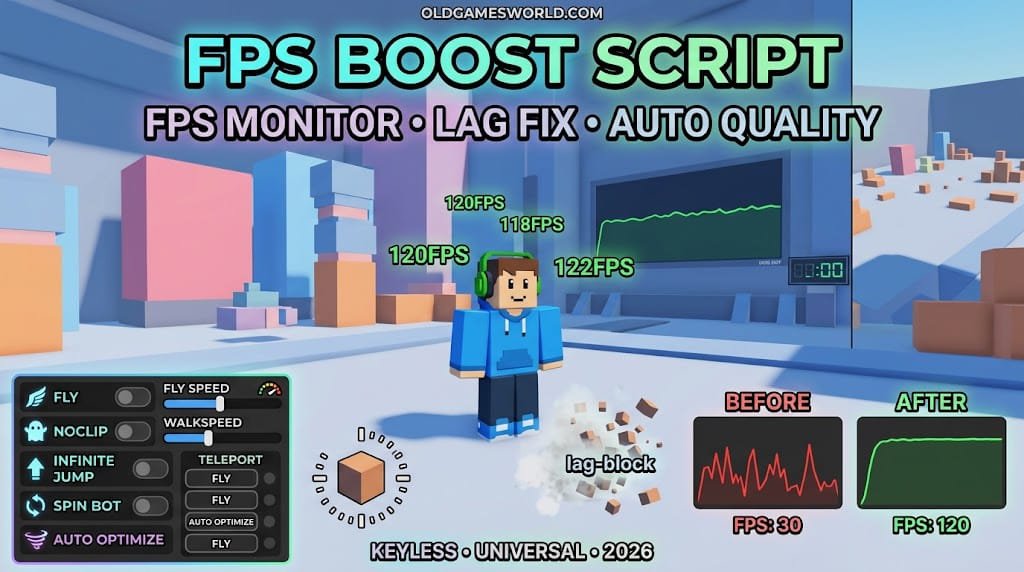
The FPS Monitoring and Improving Script is a universal keyless Roblox utility designed to help players monitor and adjust game performance. It provides live FPS tracking, before-and-after performance testing, render presets, automatic quality controls, view-distance settings, flash boost, frame-rate limits, and lag-block options. The script brings these performance-focused tools together in a simple interface so players can quickly review FPS behavior and adjust visual settings when needed.
⭐ Script Features
- ✅ Performance
- ✅ Live FPS Performance
- ✅ Before and After FPS Test
- ✅ Render Preset
- ✅ Automatic Quality
- ✅ View Distance
- ✅ Flash Boost
- ✅ Frame Rate Cap
- ✅ Lag Block
- ✅ Keyless Access
- ✅ Universal Support
- ✅ Why Use the FPS Monitoring and Improving Script?
- ✅ Roblox games can perform differently depending on the experience, graphics settings, and device being used. Monitoring FPS can help players understand how smoothly a game is running and identify when performance changes.Live FPS Performance provides an easy way to keep track of current frame-rate behavior. The Before and After FPS Test can be useful when comparing performance after changing different settings.Render Preset and Automatic Quality give players additional control over visual performance, while View Distance can help adjust how much of the game environment is displayed.Flash Boost and Frame Rate Cap provide further performance controls, and Lag Block is included as another option for dealing with unwanted performance issues.
- ✅ Because the script is universal and keyless, it is designed as a general-purpose performance utility that can be used across different Roblox experiences.